Each one is something the app actually does today.
Design the whole thing before you pay
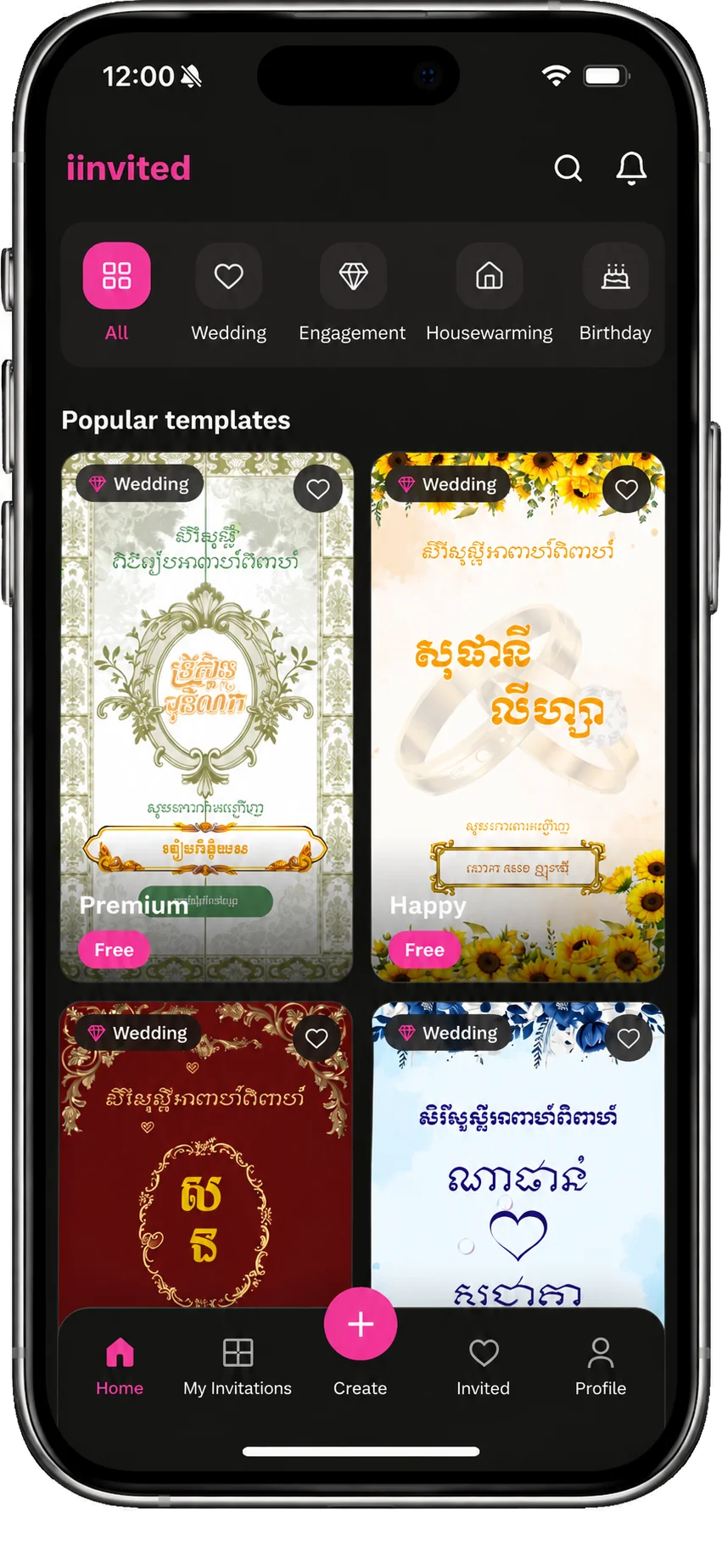
Browse templates in the mobile app for free; create a free account to customize one.
Open a template in the iOS or Android app and preview it — no account needed. Create a free account to customize it with your names, date and photos, then check your template's price before paying to publish and share.
Khmer and English in the same invitation
Both languages together, with Khmer dates — not one or the other.
A Cambodian wedding invitation is not an English invitation with Khmer pasted on. Our templates are drawn for Khmer celebrations, in the classic invitation typefaces, and they carry Khmer and English together on the same card — including the date written the Khmer way. You are not choosing which half of your family can read it.
Invitations that move
Layered animation, falling petals, music and video — not a flat picture.
Our invitations are built in layers that animate as your guest scrolls: petals fall, names appear, a video can play. Customize the template's text, fonts, photos and music in the mobile visual editor, then preview the result before sharing.
You find out who is coming
Guest replies and wishes stay with your event.
Every guest replies in one tap, and every reply lands in one list you can actually read — who is coming, how many they are bringing, and who has not answered yet. Guests can leave a wish on the invitation too, so the messages you would otherwise lose in a group chat stay with the event.
Each guest gets their own invitation
A personalized link that greets that guest by name.
You can send each guest a link that greets them by name when they open it, instead of one link addressed to nobody in particular. It is a small thing, and it is the difference between an invitation that feels sent to you and one that feels forwarded.
Gifts by KHQR, from inside the invitation
A KHQR code on the invitation for gifts through a banking app.
You can add a gift section with a KHQR code, so a guest who cannot come — or who simply wants to send something — can scan and send it from the invitation itself. No separate message, no account number typed by hand into a chat.
Change it after you have sent it
Edit for free, as many times as you like. The link keeps working.
Plans change. The time moves, a name is spelled wrong, the venue changes. You can edit a published invitation as often as you like at no extra cost, and the link your guests already have shows the new version. You do not send a correction, and you do not pay again.
One payment, per invitation
From free to $99.99 USD, once. No subscription, no per-guest fee.
You pay once for the invitation, from free to $99.99 USD, and the price depends on the template you pick — some templates are free. There is no monthly subscription to remember to cancel, no charge that grows with your guest list, and no limit on how many people you send the link to.
Guests can keep their invitations
An invitation list in the app, with the replies they sent.
Guests can reply in their browser without installing anything. Guests who use the app can also keep their invitations in a list instead of searching for links in old chats. Once they sign in, that list follows them to a new phone.
Someone local can do it for you
A partner shop or planner near you can set the whole thing up.
Not everybody wants to build their own invitation, and that is fine. A print shop or wedding planner working with us can set it up and manage the event for you — the same person you were already going to see about the envelopes.